
Your Content Goes Here
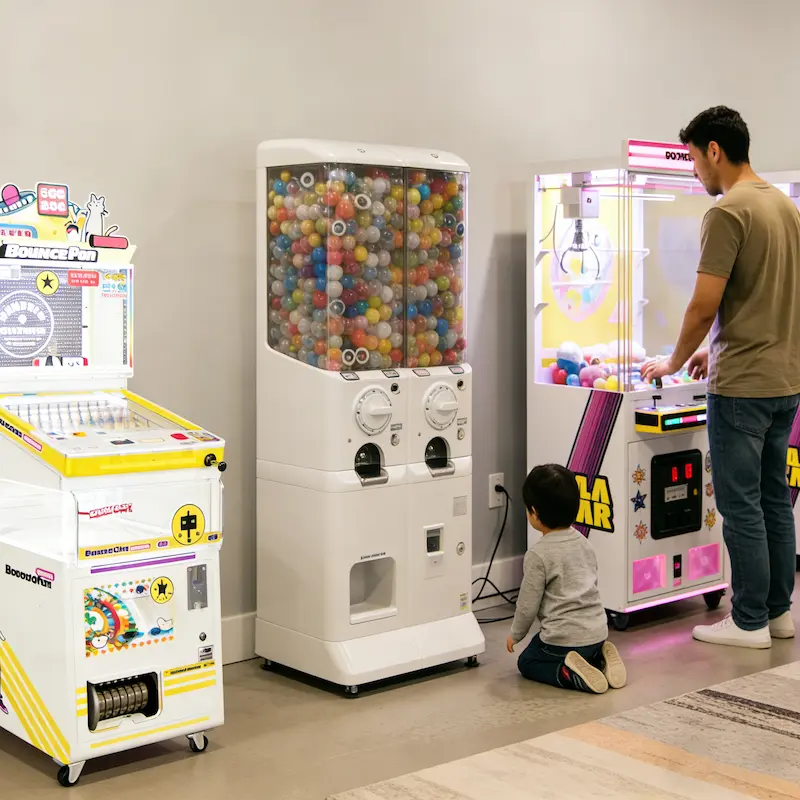
The dream of owning a private arcade is more attainable than ever. In 2026, home game rooms have evolved from simple “man caves” into high-tech family entertainment hubs. However, moving a commercial-grade machine into a residential space requires more than just an empty corner. This handbook covers the logistics of home game room setup, from floor loads to electrical needs.
1. Structural Considerations: Can Your Floor Take the Weight?
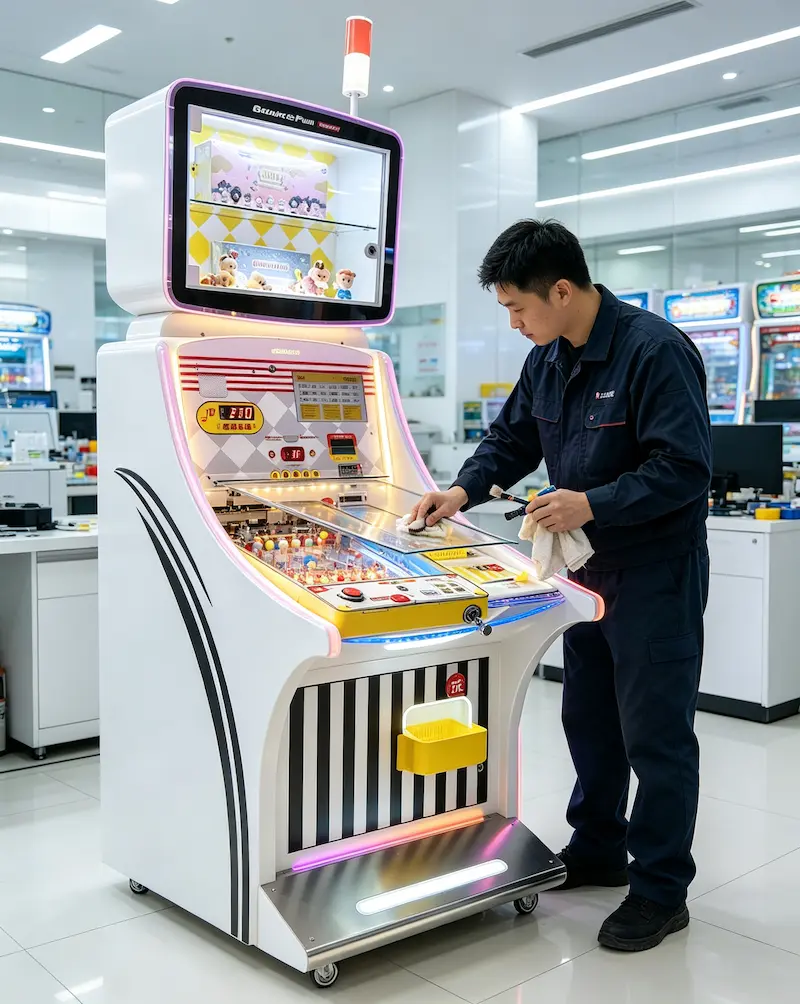
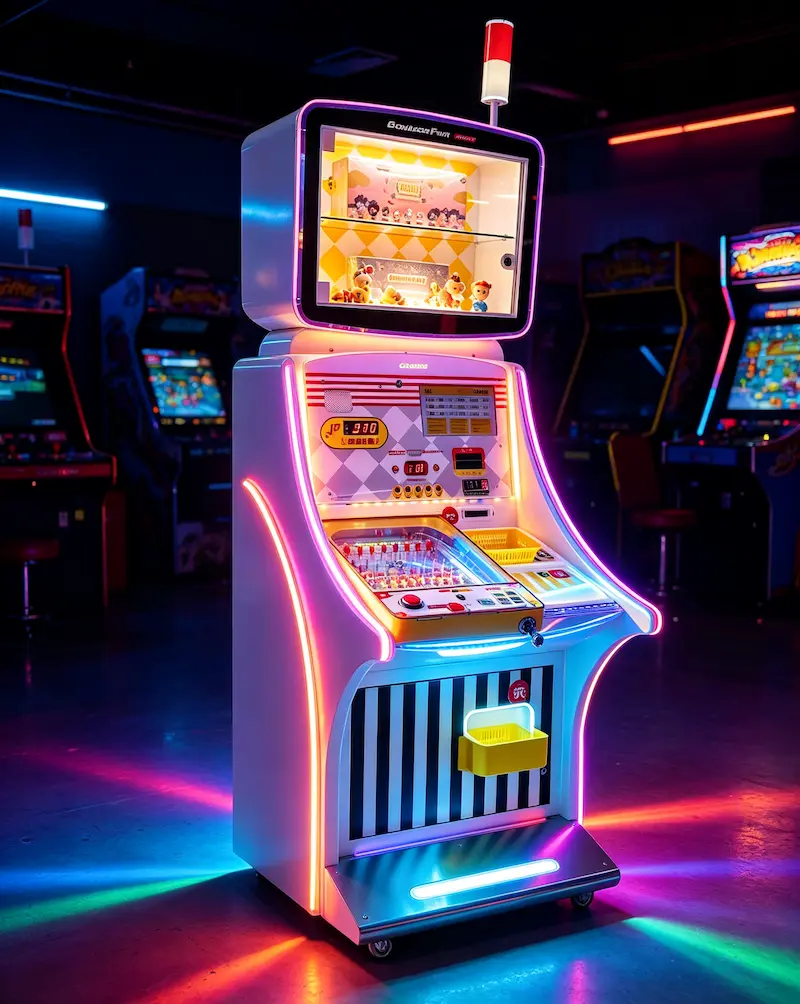
Arcade machines are heavy. While a GOGO Stacker Gacha 80 is relatively light, a full-sized pinball machine like the Bounce Fun X1 Ultra can weigh over 250 lbs ($113$ kg).
Basements: Ideal, as concrete floors have no weight limits.
Upper Floors: Ensure your joists are up to code. If placing multiple machines, avoid “clustering” them in the center of a room; distribute them along load-bearing walls.
2. Power & Connectivity: Will You Trip a Breaker?
Commercial machines are designed for efficiency, but a room full of them adds up.
Amperage: Most home outlets are 15-amp circuits. A modern Bounce Fun X1 Max pulls about 3–5 amps during peak play. You can usually run 3 machines on a single dedicated home circuit safely.
Surge Protection: Residential power grids are prone to “dirty power.” Always use a high-quality surge protector to protect the sensitive PCBs in machines like the Happy Luck Teller Pro.
3. Choosing Residential-Friendly Machines
When shopping our catalog, look for “Home-Ready” features.
Compact Footprint: The Galastar Mini85 4P is designed to provide a 4-player experience without requiring the floor space of a commercial mall unit.
Volume Control: Look for machines with external volume knobs or software-based “Silent Modes.”
The Noise Factor: One of the biggest concerns for homeowners is the “clack” of the flippers. If you’re worried about waking the kids, read our guide: Is a Pinball Machine Too Loud for a Home? Noise Reduction Tips.

 English
 Español
 简体中文
简体中文